Roles & permissions
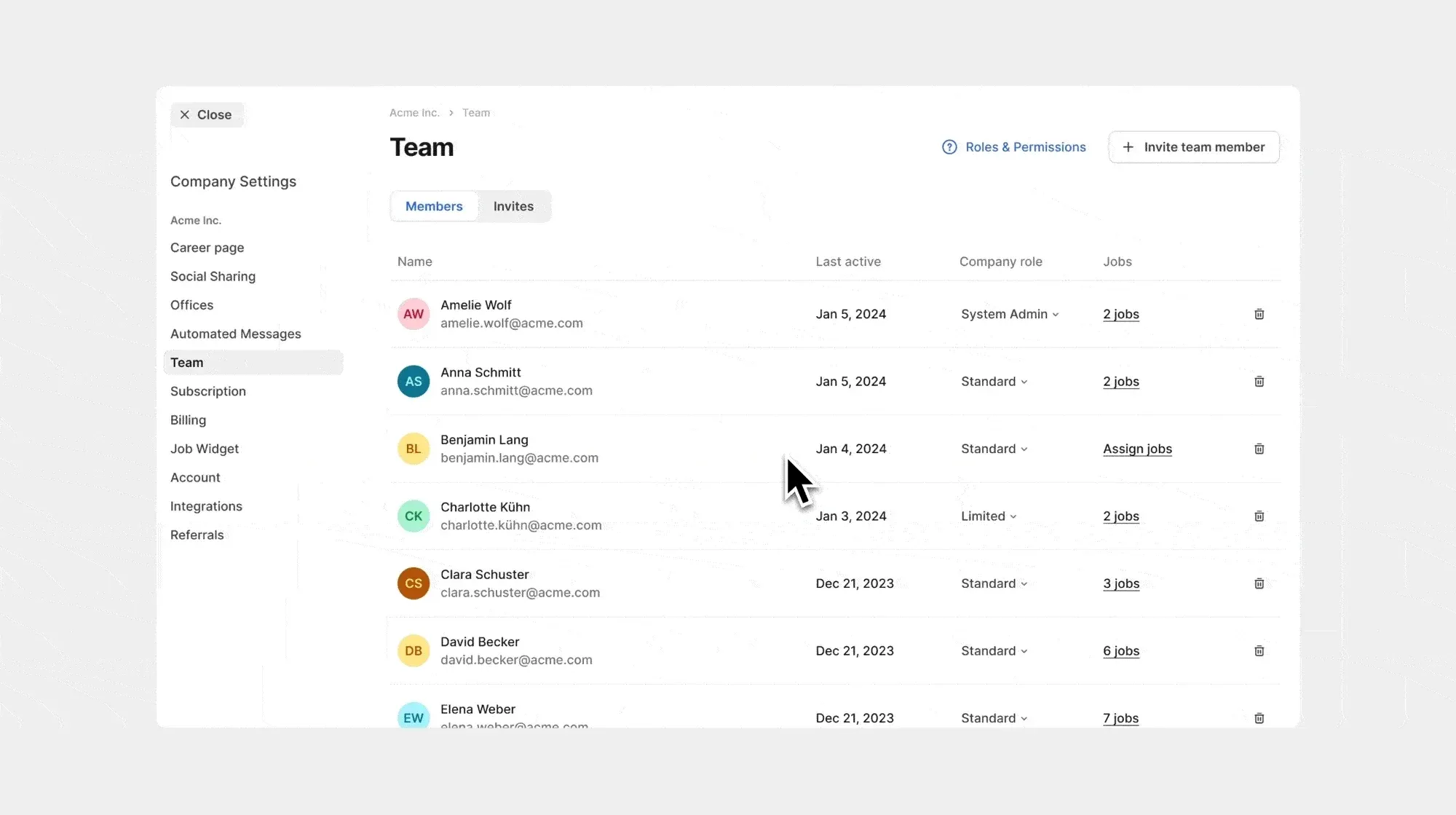
Company and job roles now control which information team members can access and which actions they can take. Assign company-wide access separately from each job’s hiring team.
Company roles
You have the option to select one of the three company roles when inviting new users:
- Limited: Minimal access, restricted to viewing specific data to ensure sensitive information is protected. Cannot create jobs.
- Standard: General access, capable of creating jobs, accessing the store, talent sourcing extension, talent pool, and limited company settings.
- System Admin: Full access across the platform, including managing other users’ roles and permissions, company settings, integrations, and billing.
Job roles
Assign a role to each member of a job’s hiring team:
- Reviewer: Can review and evaluate candidates.
- Hiring Manager: Can edit job details and make hiring decisions.
- Job Admin: Full control over job ad, candidates, and hiring team. Learn more
New team page
Invite team members, assign them suitable company and job roles, and view their last activity date, all conveniently accessible from your company’s updated team page in the company settings. All the pending invites are accessible under the “Invites” tab. By clicking on the (?) button, you can easily compare the detailed access levels for each company and job role when assigning roles to various users. Learn more
Hiring team tab
When creating a job, you can now define your hiring team from the new “Hiring Team” tab. The old contact person is now part of the hiring team. 
New share button
You can manage any job’s hiring team using the “Share” button at the top of the job details page without returning to the job form. 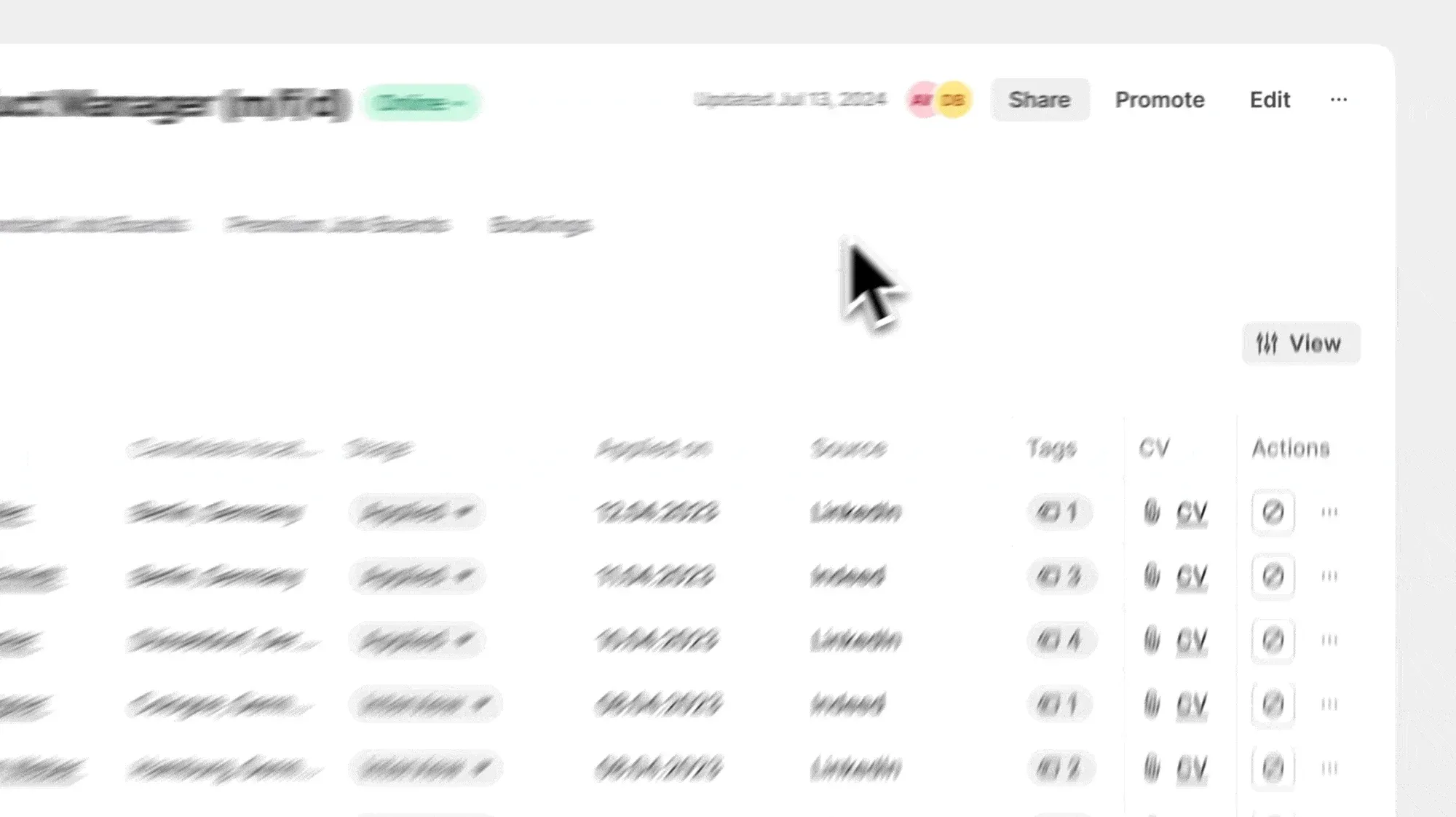
Job notifications
Now, you can enable or disable alerts for any job to ensure you’re always informed about the updates that matter most to you, even when you’re not part of the hiring team. 