Job Studio guides you through every job ad and adapts to the role you're hiring for. Answer what matters, pick the suggestions you want, and publish an ad that's ready for candidates.
Reject applications with answerslater than25/10/2027
Do you have a driving license?
Knockout
Yes
No
Suggestions Load more
Do you have a driving license?+ Add
Which of these topics interest you?+ Add
Are you willing to relocate to Berlin?+ Add
Are you authorised to work in Germany?+ Add
Can you describe your leadership style?+ Add
How do you handle stress and pressure in the workplace?+ Add
How do you stay up to date with industry trends?+ Add
Countries allowed for remote work
Visibility on the job ad
Public
Candidates can see the salary range and bonuses on the job ad.
Hidden
Compensation is hidden from the ad and only visible internally.
EU pay transparency
EU rules call for sharing the starting pay or range in time for an informed negotiation. Check local rules.
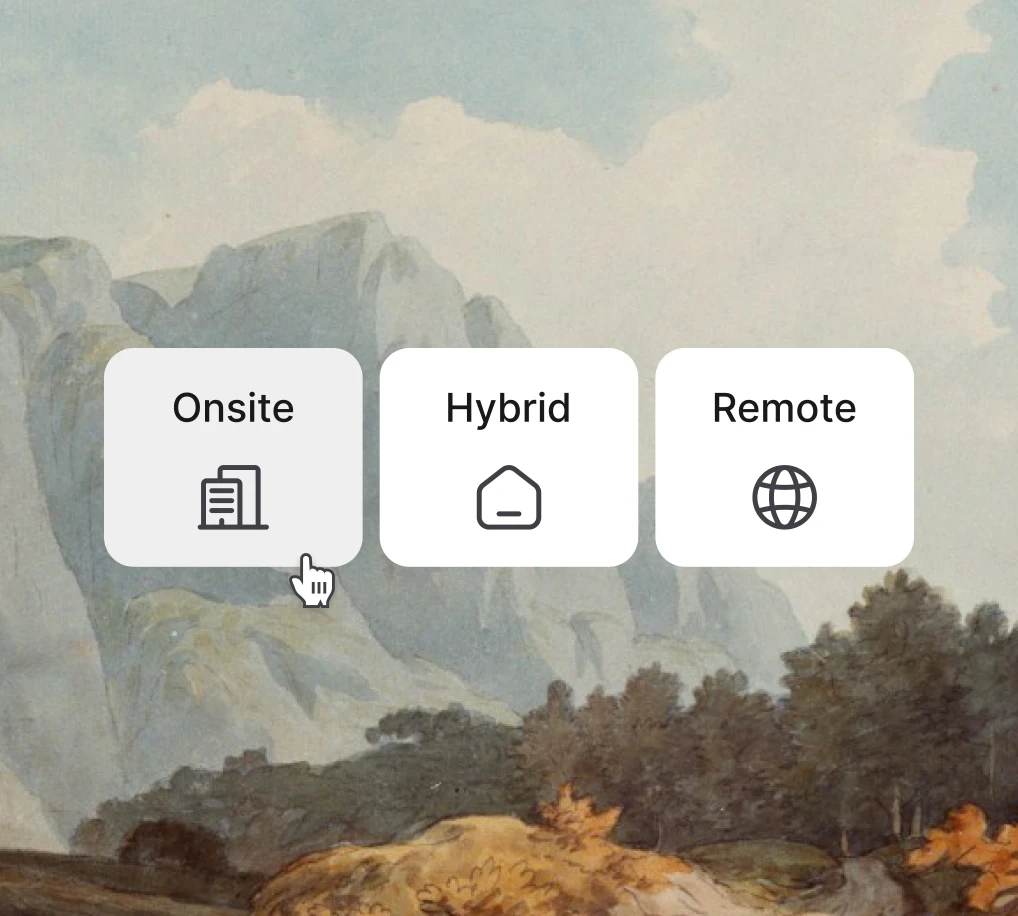
Workplace model
On-site
Hybrid
Remote
Knockout
How much professional experience do you have with Python?
3+ years
1-2 years
Less than 1 year
+ Add option
Contract type
Permanent employment
Fixed-term contract
Working student
Minijob / marginal employment
Full nameRequired
Email addressRequired
Country of residenceOptional
AvailabilityKnockout
Work authorisation in GermanyKnockout
Salary expectation (EUR/year)Required
Hybrid work policy
FlexibleFixed
3
weekly in-office days
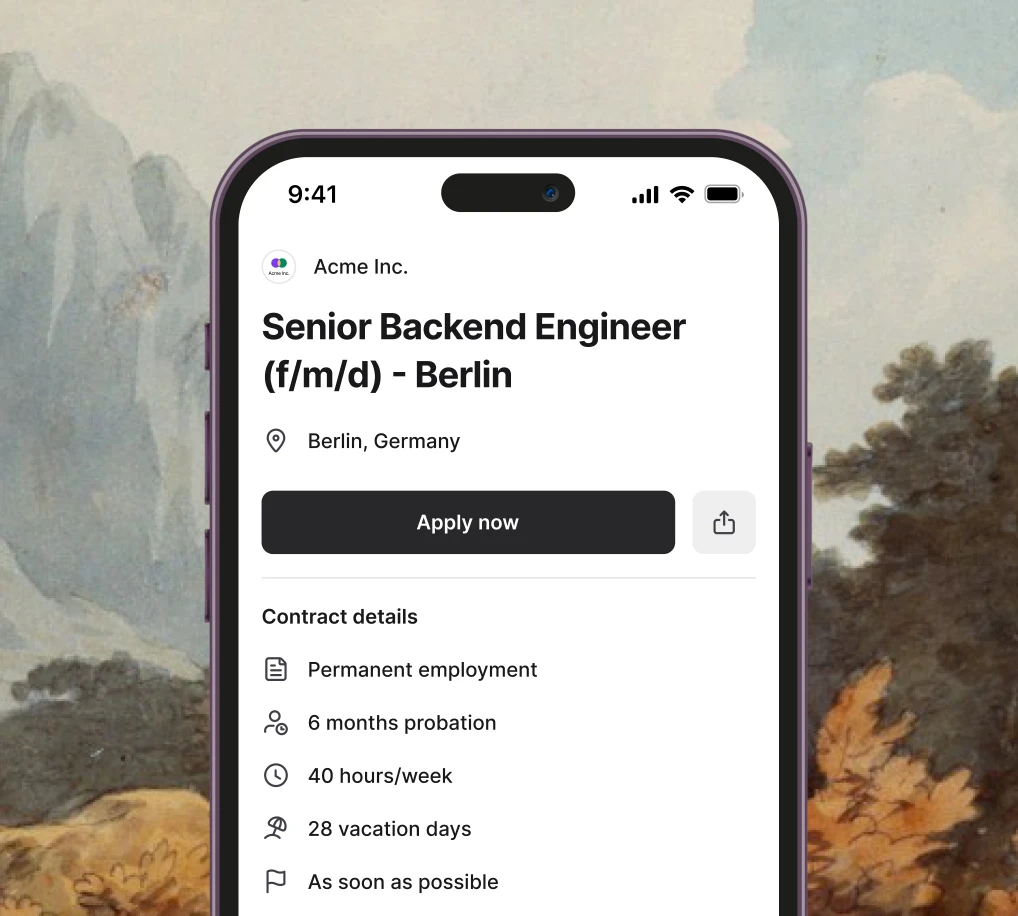
Employment terms
Start dateAs soon as possible
Contract duration12
Probation period6
Working hours40
Base compensation
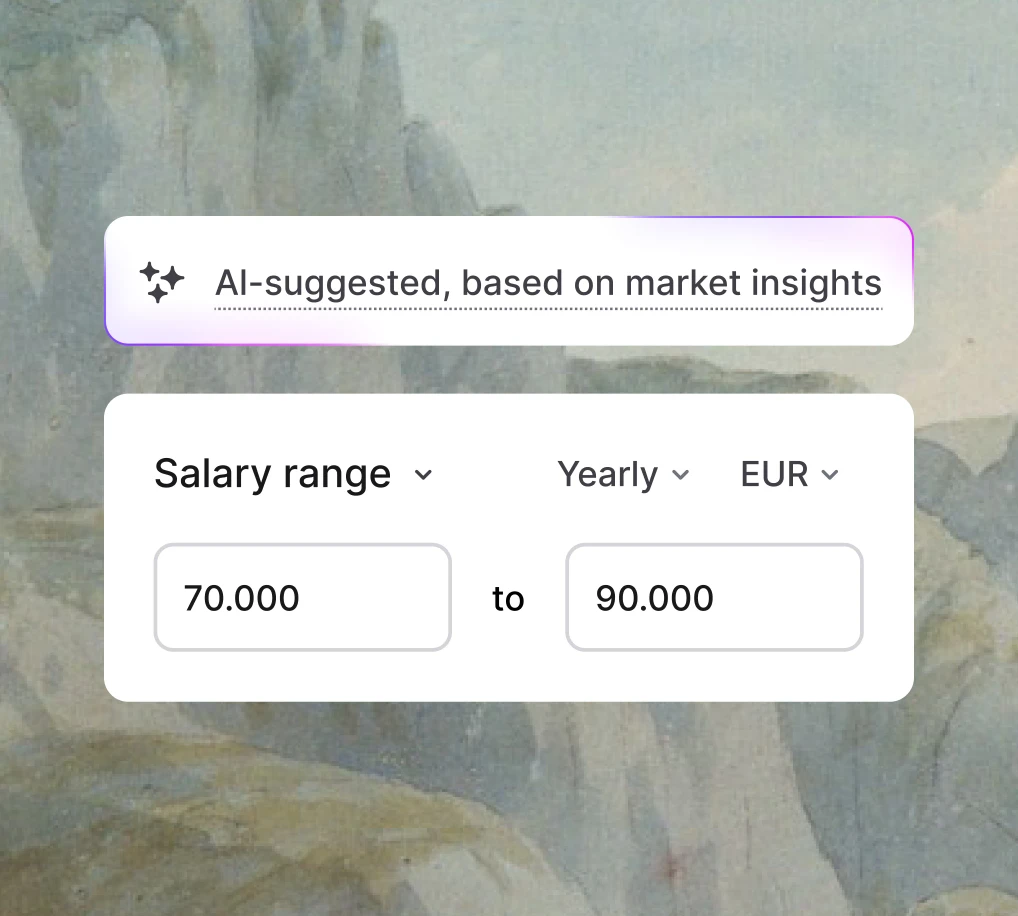
AI-suggested, based on market insights
Salary range
70,000EURto90,000EUR
How many years of experience do you have?
Knockout
Reject applications with answerssmaller than10
Are you willing to relocate to Berlin?
Optional
Yes
No
When will you have your final exam?
Required
Reject applications with answerslater than25/10/2027
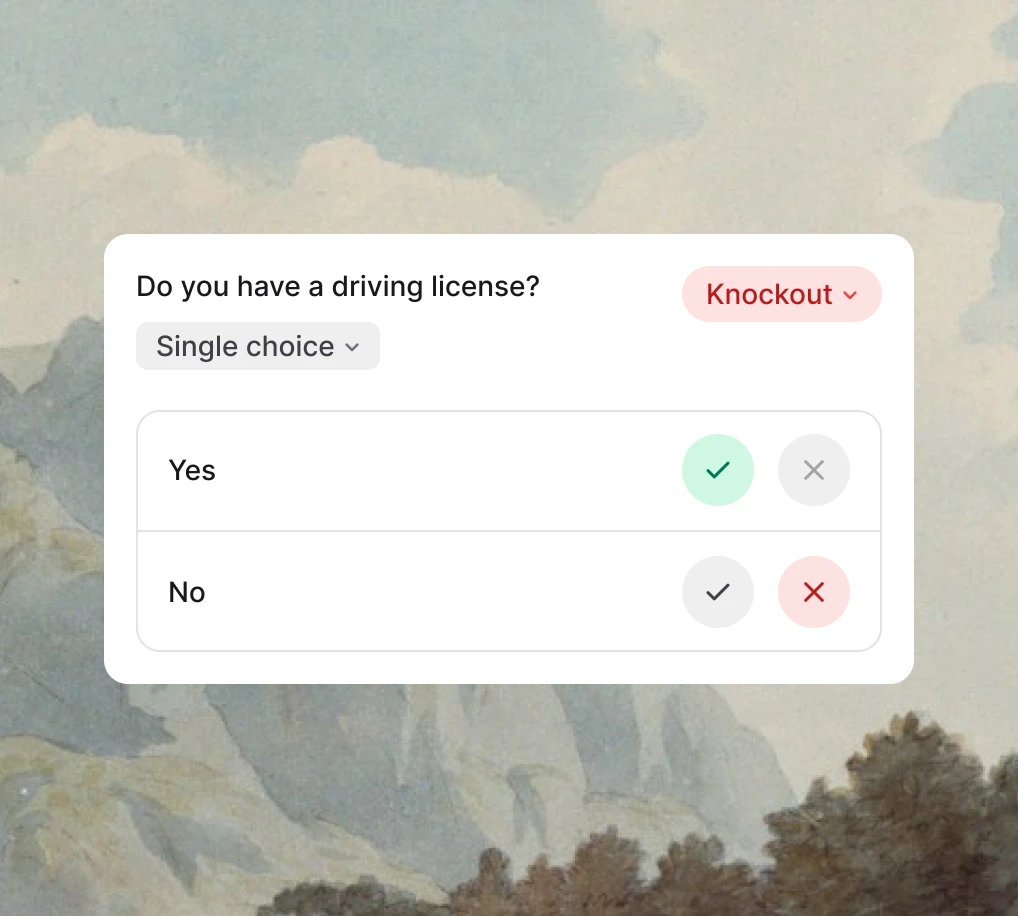
Do you have a driving license?
Knockout
Yes
No
Suggestions Load more
Do you have a driving license?+ Add
Which of these topics interest you?+ Add
Are you willing to relocate to Berlin?+ Add
Are you authorised to work in Germany?+ Add
Can you describe your leadership style?+ Add
How do you handle stress and pressure in the workplace?+ Add
How do you stay up to date with industry trends?+ Add
Countries allowed for remote work
Visibility on the job ad
Public
Candidates can see the salary range and bonuses on the job ad.
Hidden
Compensation is hidden from the ad and only visible internally.
EU pay transparency
EU rules call for sharing the starting pay or range in time for an informed negotiation. Check local rules.
Workplace model
On-site
Hybrid
Remote
Knockout
How much professional experience do you have with Python?
3+ years
1-2 years
Less than 1 year
+ Add option
Highlight the compensation
Trusted by 20,000+ companies worldwide
How it works
Consistent, complete job ads every time
Job Studio asks only for what this role needs.
Set location, benefits, and employment terms
Add skills and role requirements
See only the fields that apply to this role
Job Studio suggests a salary range from market data and fills gaps in the ad before you publish.
Get salary range suggestions
Fill in missing details with AI
Review against job board requirements
Collect the information you need to assess candidates from the start.
Ask questions about visa status, availability, etc.
Set custom criteria for automated screening
Request CV and essential documents upfront
A complete, polished job ad that's ready to publish and attract candidates.
Inclusive, candidate-friendly language
Clear structure and the keywords candidates search for
Formatted for Indeed and other job boards, and for LinkedIn
Screening answers arrive with every application
Ask candidates what this job needs, from start date to salary expectations, and read their answers alongside the application.
Shaurya Rawat
Senior Backend Engineer (f/m/d)
Can start immediately
Compensation
€70,000
Experience
12 years
BSc in Computer Science
Everything your job needs, in one guided flow
From role details to hiring pipeline, set up every part of the job in one flow, so candidates get the full picture.
Benefits
Pick from a library of benefits like insurance, learning budget, sports, and more, to show candidates what's really on offer.
Compensation
Get AI-powered salary suggestions based on market data, so you can publish a pay range in the ad.
Location
Choose from a full list of countries and regions, with workplace options that make expectations clear from the start.
Employment terms
Set contract type, working hours, probation, start date and annual leave based on where you're hiring.
Hiring team
Bring the right people into the process, with clear roles for everyone helping you hire.
Hiring pipeline
Choose an existing workflow or create a new one, so every job ad routes candidates exactly where you need them.
Role details
Set the right context for every opening, from the role and number of hires to its priority.
Job Intelligence
AI does the drafting, you make the calls
The AI drafts the ad from the details you've already entered.
Grounded in your specific job details
Suggestions relevant to your role
No complex prompting required
Refine your job ad with AI without rewriting sections or starting over.
Shorten or expand any section
Fix spelling and grammar
Change the tone to fit your team
Review flags issues such as an all-caps title, discriminatory wording or an incomplete description before you submit the ad.
Review every suggestion before applying it
Get suggestions for clearer, more inclusive language
Catch job board issues before you publish
A job ad built around the details that matter
Precise contracts, full compensation, and transparent expectations, so nothing is left to guesswork on either side.
Import your jobs
Paste in job content you've written elsewhere and structure it into a complete job ad.
Customise application forms
Add the questions, documents, requirements, and knockout criteria that make sense for each position.
Optimised for job boards
Structure your job once, then auto-publish it across eligible channels without recreating it.
Specify offer details
Add employment type, probation period, and working hours, so the right details are shared upfront.
Mobile-ready for candidates
Create application forms that are clear, easy to complete, and designed to work across devices.
Pay transparency made easier
Decide when to show salary, get salary insights, and add benefits to give candidates a clearer view.
Customer stories
What teams say about hiring with Join
Over 50 million applications so far, and around 25,000 new jobs created in Join every month.
“I'd rather ask if Join can integrate with something new than replace it. It simply takes so much work off the plate that you don't need a friendly face to justify it — the tool does the job.”
Nancy ToblerPeople and Culture Specialist, TaikonautenRead the story
“The fact that Join publishes job ads to different platforms helped us a lot to get interesting candidates, to speak with them, and to build the team we have now.”
How does Join's AI job description generator work?
Job Studio is Join's AI job description generator. It first asks for the role details: location, employment terms, salary, benefits, skills, and requirements. The AI then drafts a structured job ad from those answers, not from a job title alone. You can shorten, expand, or change the tone of any section with a short command, and Review flags missing details, conflicting information and wording that could cause posting problems before you publish.
Which plan includes custom application questions?
Creating or editing custom questions requires Advanced or Enterprise. You can set supported questions to Optional, Required or Knockout. Short-text and file-upload questions can collect information, but cannot reject an application automatically.
What is the difference between a job description and a job ad?
A job description is the internal spec for a role: duties, reporting line, and requirements. A job ad is the public version, written to get candidates to apply, and it leads with pay, benefits, location, and the day-to-day work. Job Studio produces the job ad. If you already have a job description, paste it in and Job Studio structures it into a complete job ad.
Can I try Join's AI job ad generator for free?
Yes. You can try Job Studio free for 14 days. After that, it's included in every Join plan, with no separate charge for AI drafts or rewrites.
Does the AI use my company information?
Yes. Add your company description, values, and benefits to your workspace once, and Job Studio draws on them for every job, so each ad sounds like your company rather than a generic template.
Which languages can Job Studio write job ads in?
Job Studio drafts job ads in six languages: English, French, German, Spanish, Italian, and Dutch. Choose the language for each job and the AI writes the whole ad in it.
Can I edit the AI's draft before it goes live?
Yes. Every section of the draft stays editable, and each AI suggestion is shown to you before it is applied, so nothing changes unless you accept it. Edit by hand, or ask the AI to shorten a section, fix spelling and grammar, or adjust the tone.
Can Job Studio help me write inclusive job ads?
Yes. Review highlights discriminatory or exclusionary wording and suggests changes. Review those suggestions before publishing; the checks do not guarantee that a job board will accept the ad.
Does Job Studio help with EU pay transparency?
Yes, for the job ad itself. Job Studio suggests a salary range from market data, and you can publish that range in the ad. Under Article 5 of Directive (EU) 2023/970, candidates have the right to know the starting pay or its range early enough to negotiate, for example from the job ad or before the interview, and employers may not ask about their pay history. National laws set the exact rules and dates.
Can I publish one job ad to several job boards?
Yes. Create the ad once in Job Studio and Join publishes it to 10+ organic job boards, with 250+ paid boards available on top. Join adapts the ad to each board's format, so you don't re-enter the job for each one. See multiposting for the full list.
Start today
Start your 14-day free trial and make hiring your advantage.