More control on every message with Private Emails and Previews
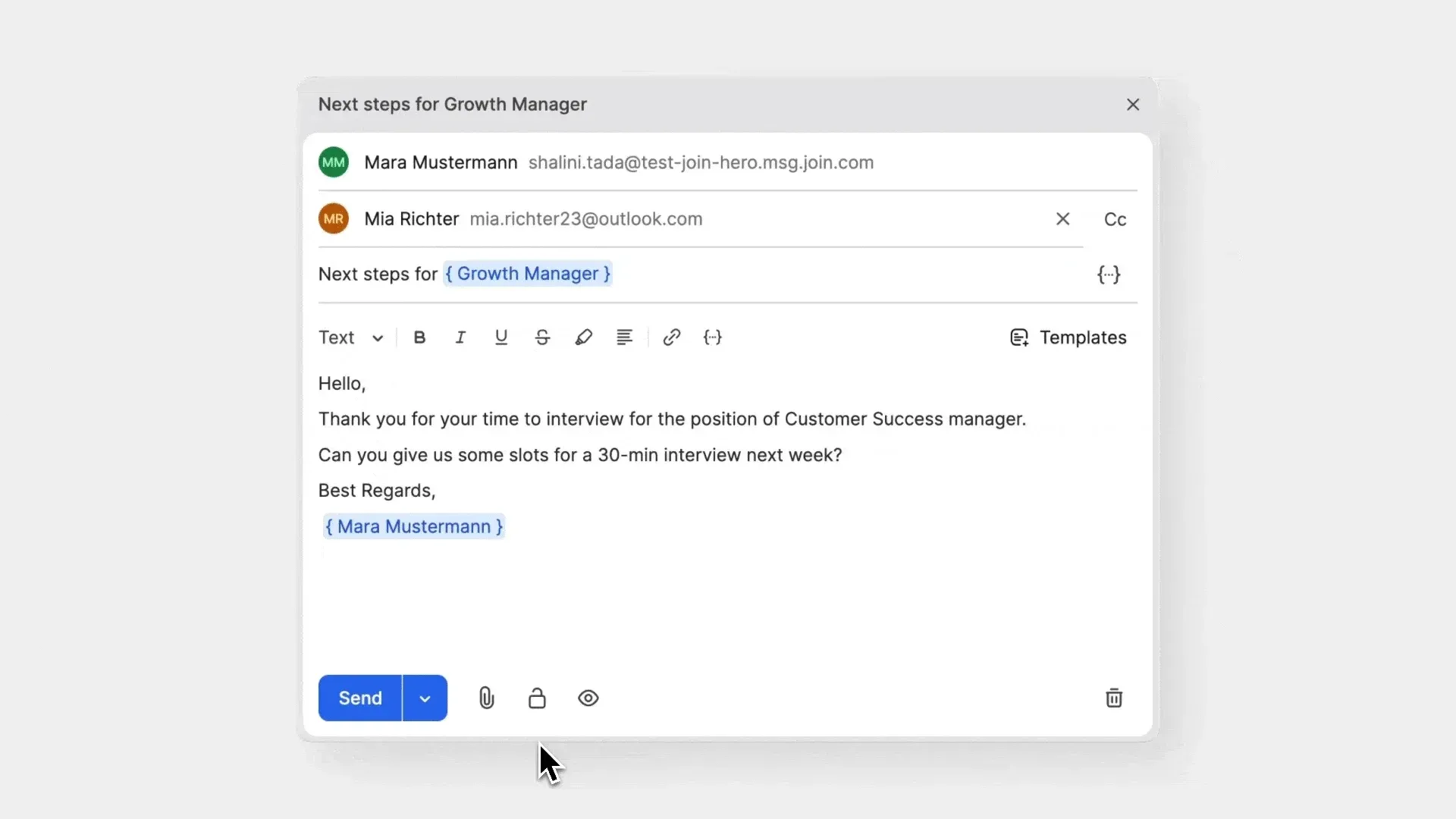
We’ve added two improvements to help your team handle sensitive hiring conversations securely and send messages with greater accuracy. Whether you’re discussing private topics or refining templates, these new updates to email messaging keep your communication clear.
Private emails for controlled, secure conversations
Control whether an email thread is private or public while composing or when reviewing an existing conversation.
- Keep sensitive conversations limited to the right people and manage privacy of your emails easily from the Mailbox or the Candidate Profile.
- Private threads are only visible to participants and System Admins, helping you maintain confidentiality across offer discussions, internal clarifications, and other sensitive topics.
- Clear labels show when a conversation is private, making it easy for your team to understand its visibility at a glance.
- Quickly check who can access a private thread so you always know who’s included in the conversation.
Preview formatting and placeholders
You can now use the preview icon in the email composer to see how your message will look before sending it. 
- Preview emails while composing to confirm formatting and content.
- Check placeholders, formatting, and template content before sending.