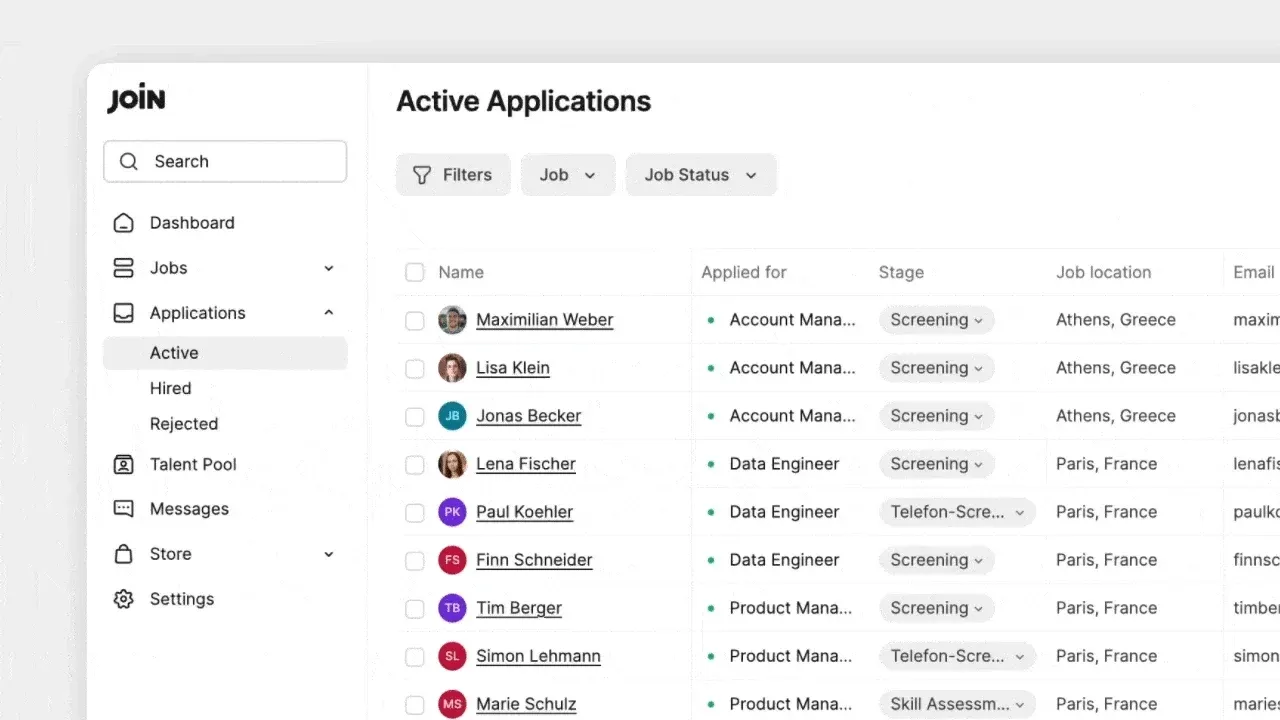
Quick filters for candidates, applications and jobs
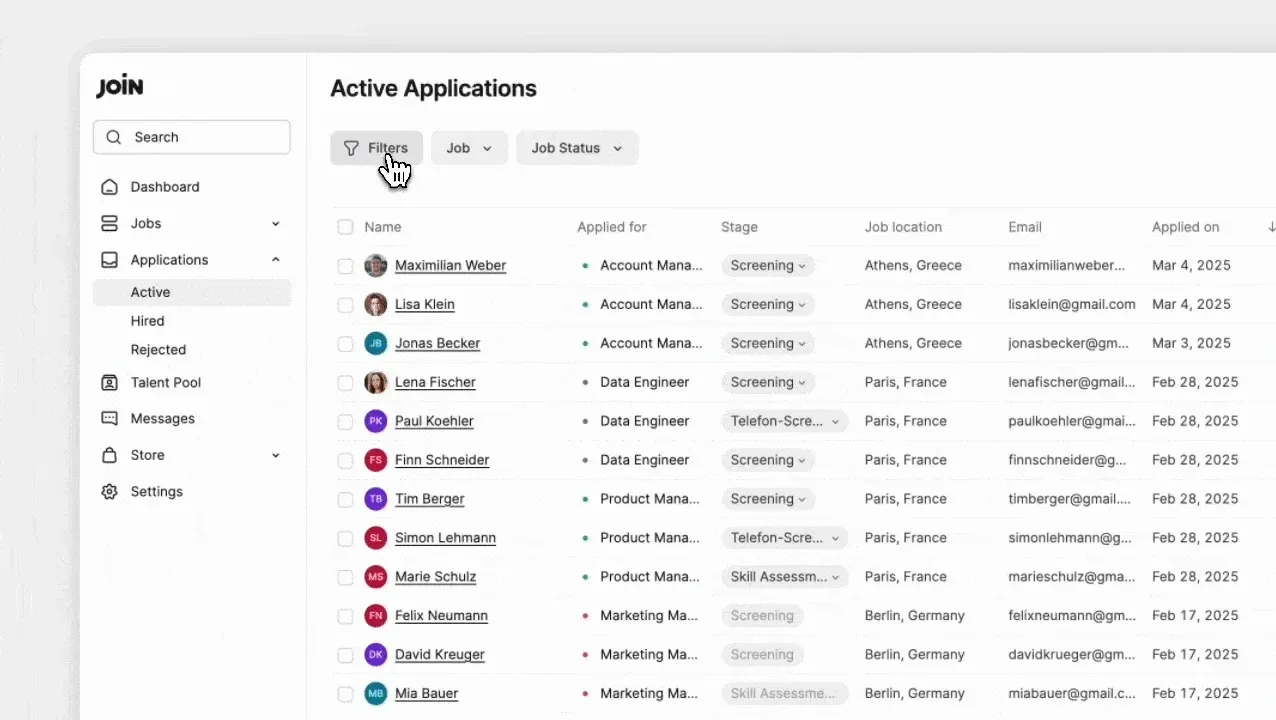
Quick filters now refine results across Jobs, Candidates, Applications, and the Talent Pool. Applied filters stay visible at the top of the page.
Quicker, clearer filtering
- Now apply relevant filters in fewer clicks to narrow down your search faster.
- Use quick filters to instantly refine your search results. These are available on Active Jobs, Archived Jobs, Candidates, Applications, and Talent Pool pages.
- Applied filters are prominently displayed at the top, so you can always see exactly what criteria are being used to refine your results.
New ‘Jobs’ submenu in the sidebar
Easily navigate between three new submenu options to manage your jobs:
Active: View jobs that are currently Online or OfflineDrafts: Manage jobs that are still being prepared for postingArchived: Access past or closed job listings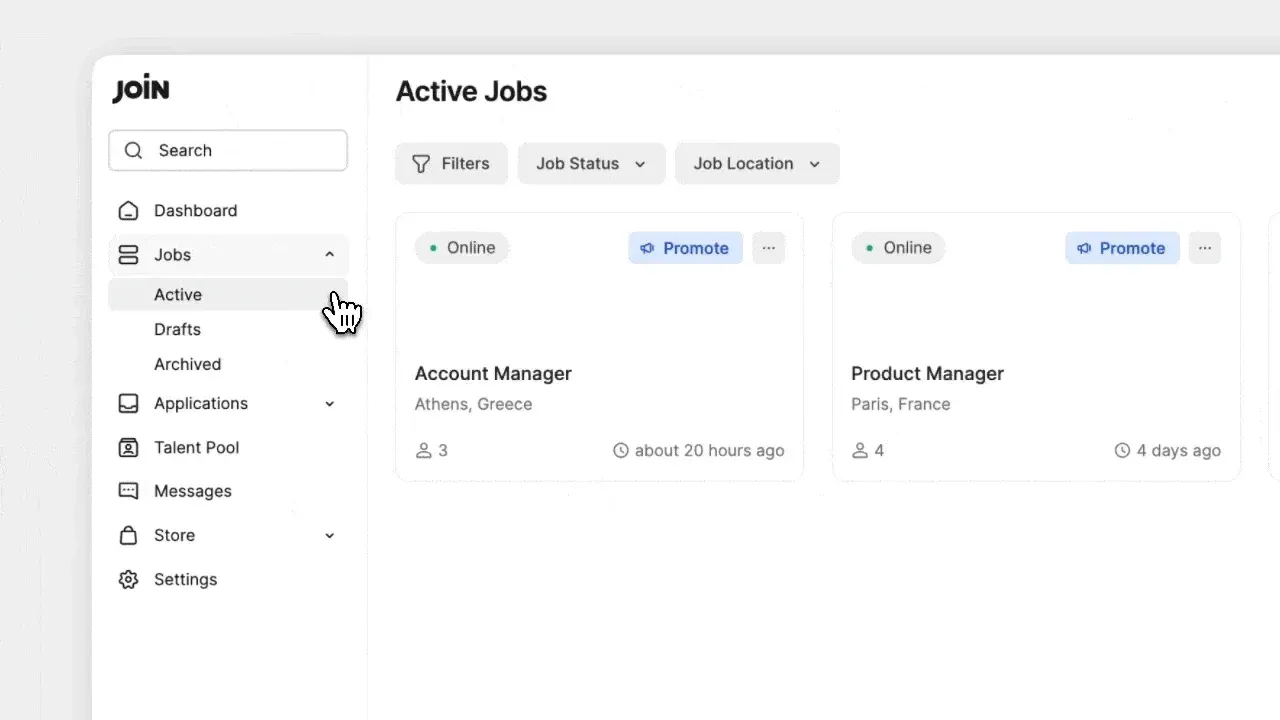
New ‘Applications’ submenu in the sidebar
Quickly filter through candidate applications with three submenu options:
Active: Manage applications for candidates still in the review process (not hired or rejected)Rejected: Review candidates that were rejectedHired: Access a list of successfully hired candidates