Mailbox for candidate emails
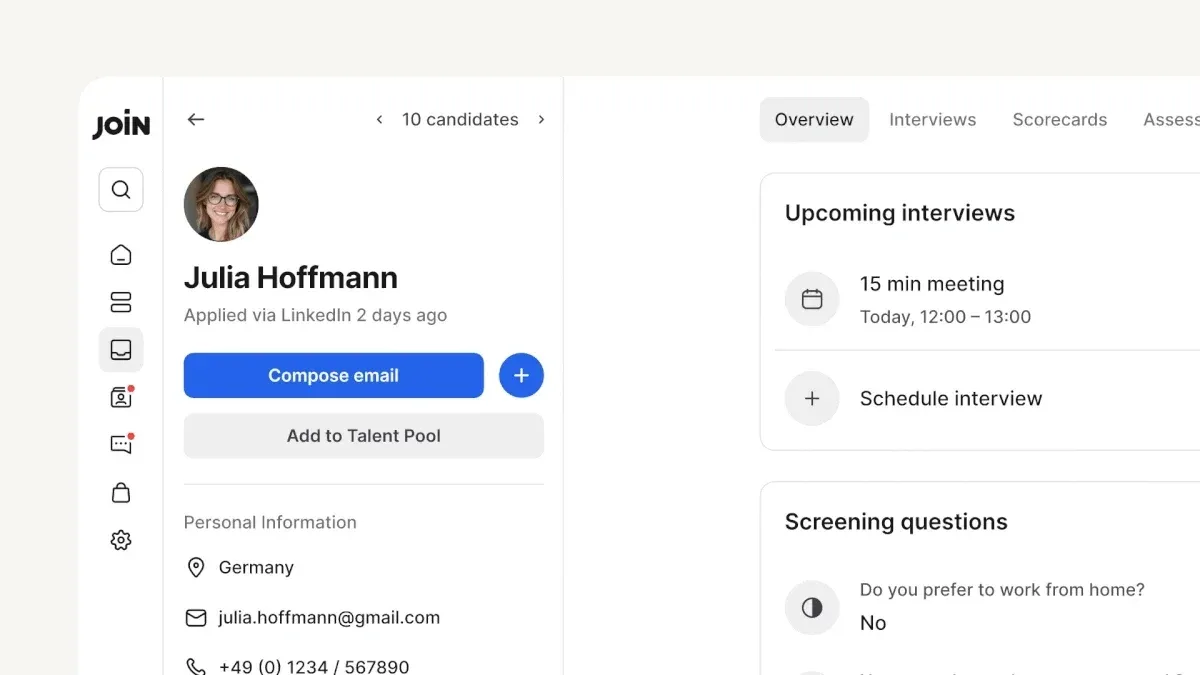
Mailbox replaces in-app messaging with candidate emails. Send messages from Join and see candidates’ replies in the same thread.
Enjoy the new mailbox interface
- Access the new ‘Mailbox’ tab from the sidebar to view all incoming and outgoing emails.
- Switch between ‘Inbox’ and ‘Sent’, filter by ‘Unread’ status, and stay on top of your replies.
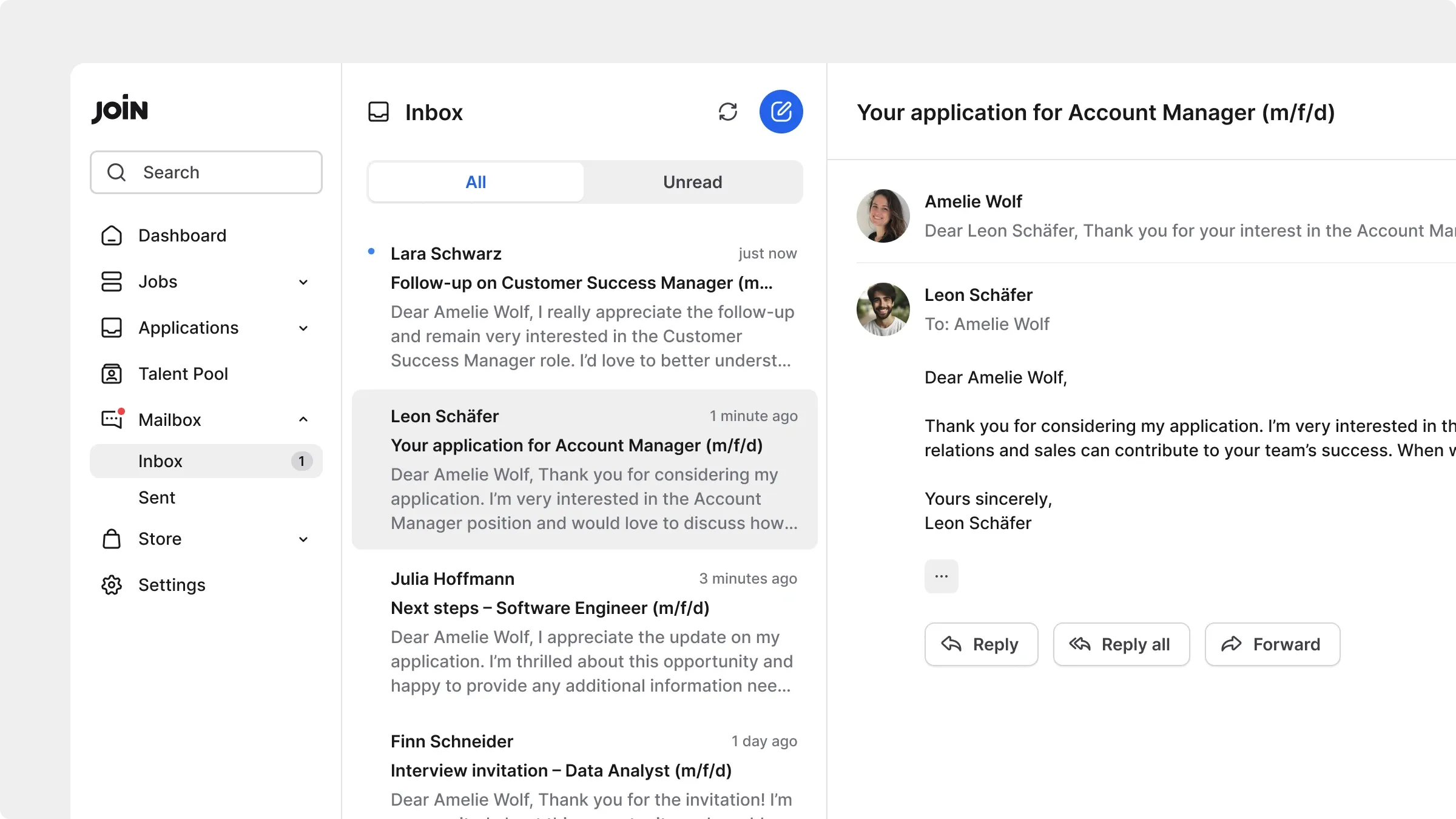

Compose emails with formatting options
- Format emails with headings, bold, italics, underline, bullet points, and links.
- Easily attach files such as .pdf, .doc, .jpg, and more, up to 8.5 MB per email.
- CC team members from your Join account to keep them in the loop.
- All emails are sent from your recruiter Join address (e.g. [email protected]). Your personal email is not shown to candidates.
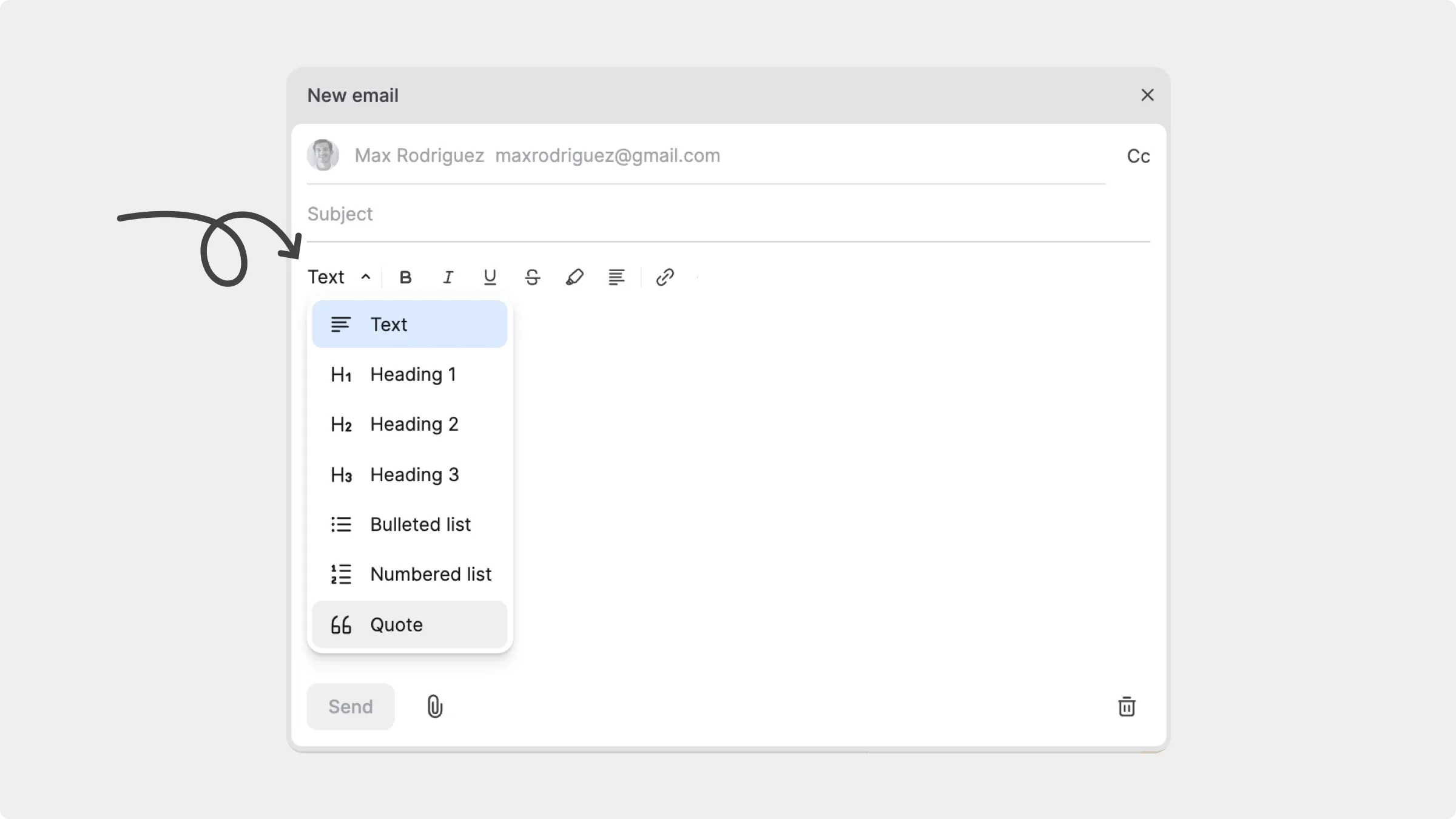

Manage conversations directly from candidate profiles
- Every email you send or receive is logged in the new ‘Emails’ tab on the candidate profile, giving you a complete overview of the conversations you’ve had with each candidate.
- While reviewing a candidate, you can compose a new email directly from their profile.

Replies land back in Join
Candidates reply from their regular email inboxes. Their responses are pulled into Join automatically and appear in the same thread.