Dashboard shortcuts and hiring analytics

The dashboard now includes a shortcut to applications in screening, hiring-stage counts, and recently viewed jobs.
New screening shortcut
We’ve added a new shortcut that takes you straight to the applications in the screening stage to review them quickly.
Hiring pipeline analytics
Get an overview of your hiring stages with our new analytics section. You can easily see the number of applications in each hiring state - screening, active process, and offer. By default, you see an overview of all online and offline jobs. To examine a specific active job in detail, use the dropdown filter to show analytics for a job. 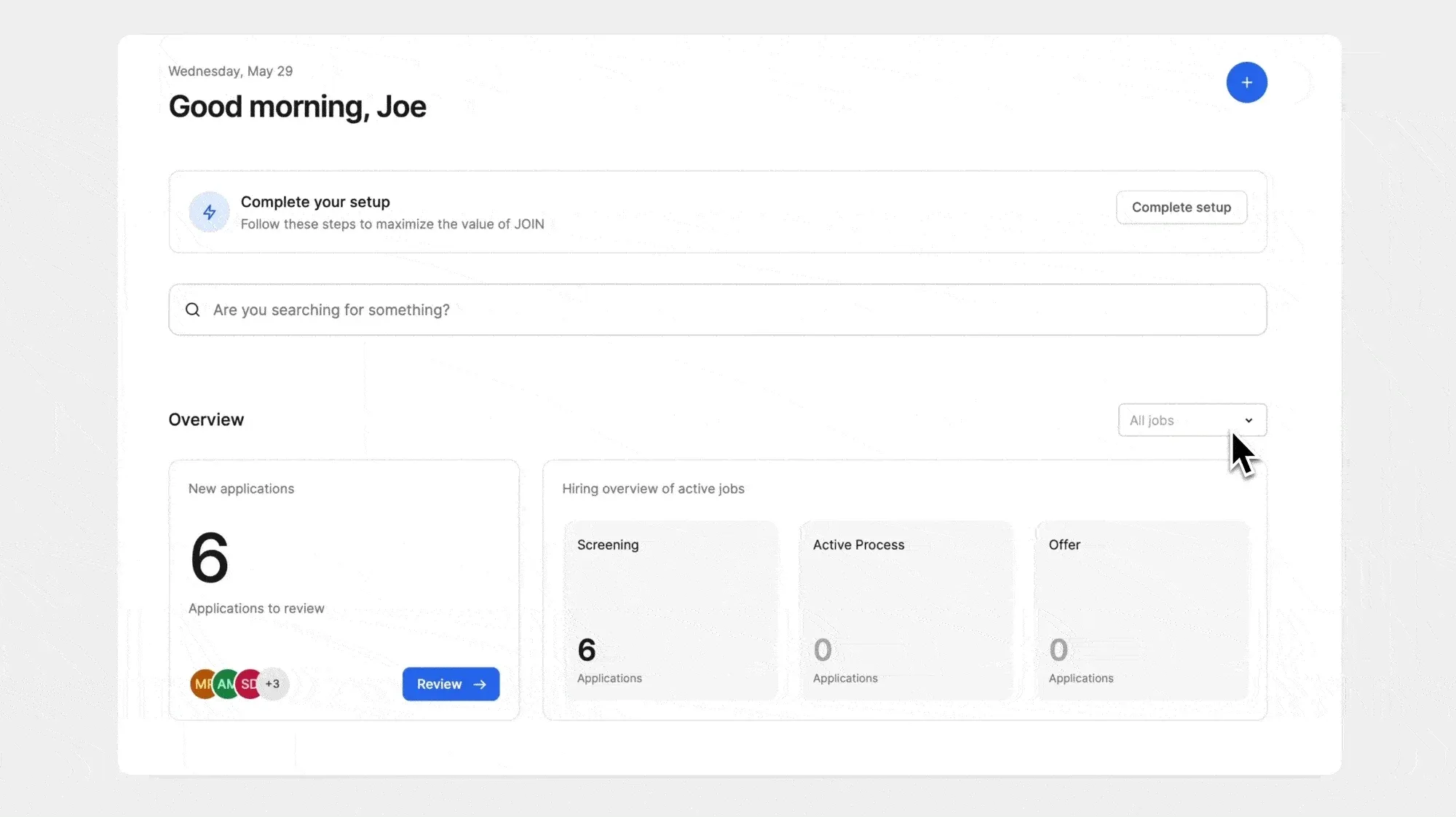
Recently viewed jobs
Reopen recently viewed jobs from the dashboard. 
New feature banner
Every time we add a new feature, we’ll notify you through a newly added banner. Clicking this banner will lead you to our changelog. 